A clock that draws itself.

There are no pictures inside it. No photographs, no video, no animation files. Every frame you see is worked out from scratch, about forty times a second, by a single chip smaller than a postage stamp.

14 generative effects 7 colour palettes Sets its own time Updates itself
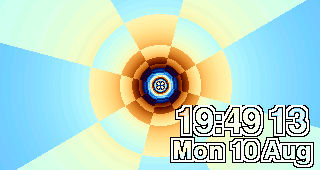
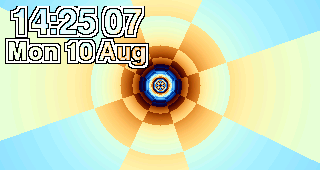
The clock showing a tunnel effect with the time in the bottom-right corner
Photographed from the clock’s own memory — these are the exact pixels it drew.

Nothing here is a recording

A video loops. This does not. The fire is never the same fire twice, the fractal keeps finding new detail, and the pong match is genuinely being played.

The trick is doing the hard part once. The shape of the tunnel, the curve of the hills, the landscape you fly over — each is calculated a single time when the picture starts and stored as a table. After that, every frame is little more than looking numbers up and adding them together. That is the idea the demoscene was built on, and it is why a clock can do this on the power of a night light.

Fourteen effects

Forty years of computer graphics history, running on a desk. Every image below came out of the clock’s own framebuffer — nothing is a mock-up.

Fractal zoom

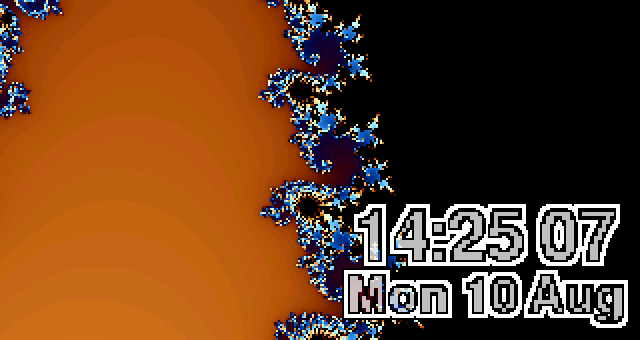
Fractal zoom

The Mandelbrot set, made famous by Benoît Mandelbrot at IBM in 1980. Infinitely detailed — keep magnifying and new structure keeps appearing. Your clock never reaches the bottom.

Starfield

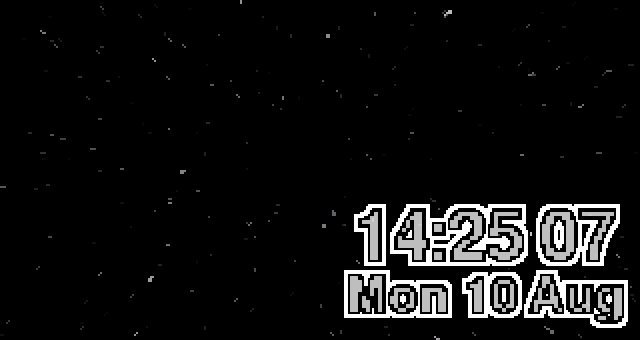
Starfield

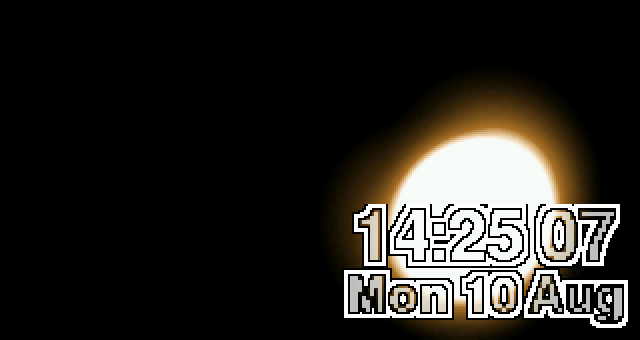
The oldest trick there is, from the space games of the early 1980s. Each streak is how far that star moved since the last frame.

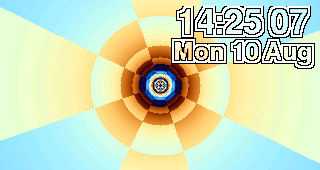
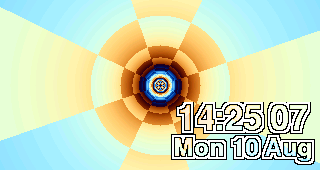
Tunnel

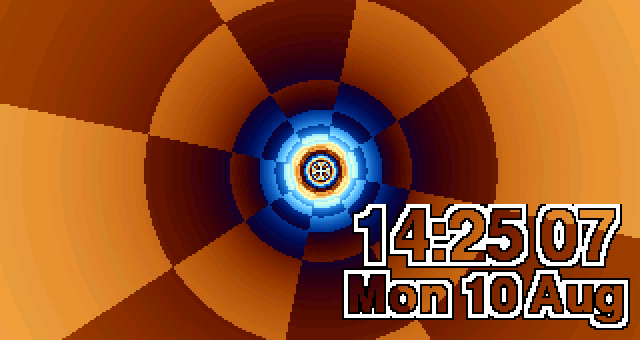
Tunnel

A demoscene staple. The angle and depth of every pixel are worked out once; after that, flying down it is just adding a number.

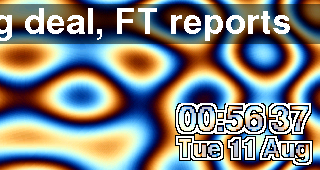
Plasma

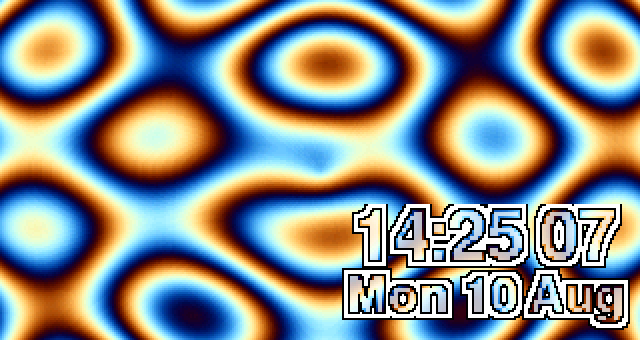
Plasma

Overlapping sine waves — the signature look of early-1990s PC demos, where the colours moved by cycling the palette rather than redrawing.

Fire

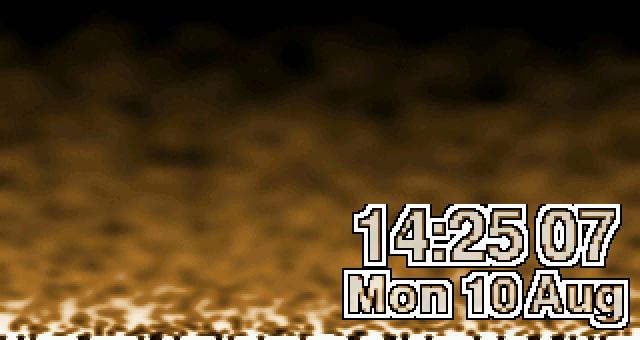
Fire

Heat rises from a hot row along the bottom and cools as it spreads. The cooling is random, which is why it flickers and never repeats.

Rotozoomer

Rotozoomer

Rotate and zoom. A flat pattern spun and scaled — an Amiga-era showpiece, because doing it smoothly was genuinely hard.

Hills

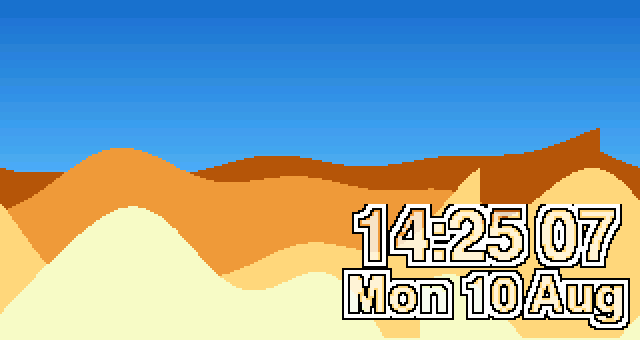
Hills

Layers sliding at different speeds to fake depth. Borrowed from arcade games of the early 1980s.

Attractor

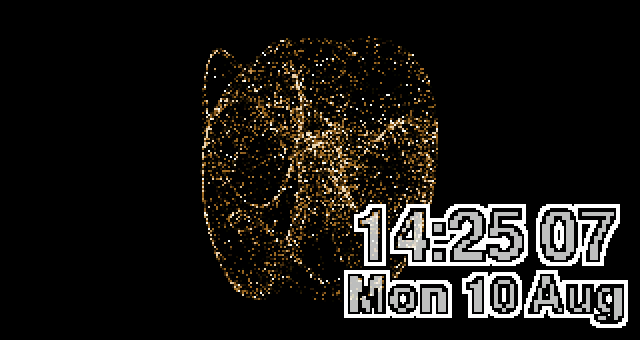
Attractor

A Clifford attractor: two short equations fed back into themselves. The dot never repeats its path, yet always traces the same ghost.

Metaballs

Metaballs

Blobs that fuse when they come close. Invented by Jim Blinn in the early 1980s to draw molecules.

Water

Water

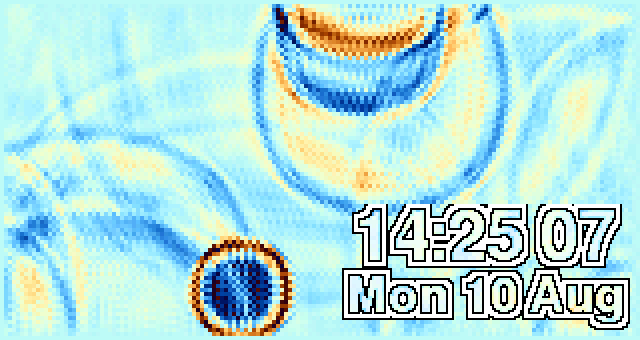
An actual wave simulation. Drops fall, ripples spread, reflect off the edges and interfere with each other.

Pong

Pong

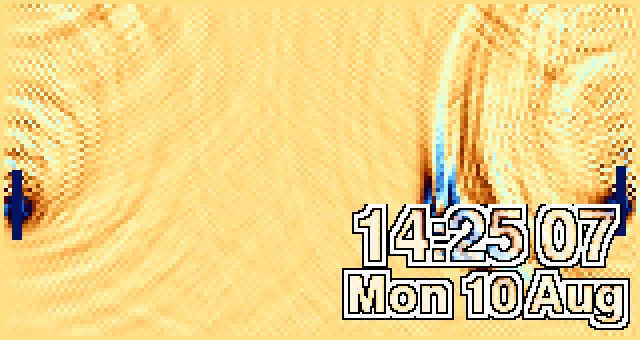
Atari, 1972. Here it plays itself, on the water — every bounce sends a ring across the screen. The paddles miss on purpose.

Mountains

Mountains

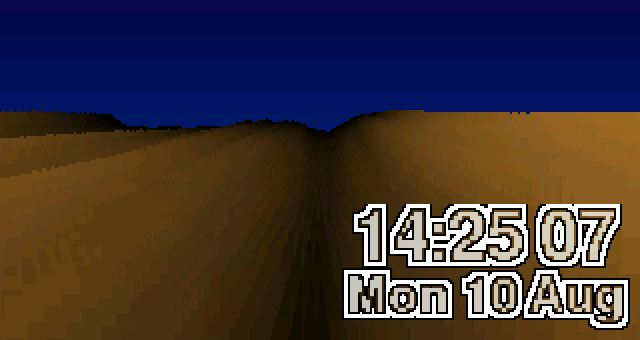
Voxel terrain, as used by the 1992 flight game Comanche. The landscape is drawn by marching outward from the camera, one column at a time.

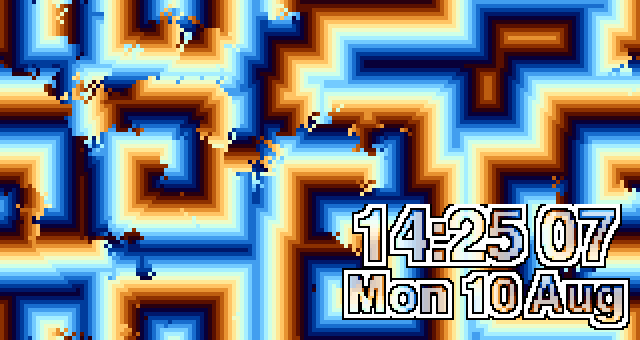
Cells

Cells

A cellular automaton: every cell copies its neighbour’s next state. Out of pure noise, structure organises itself.

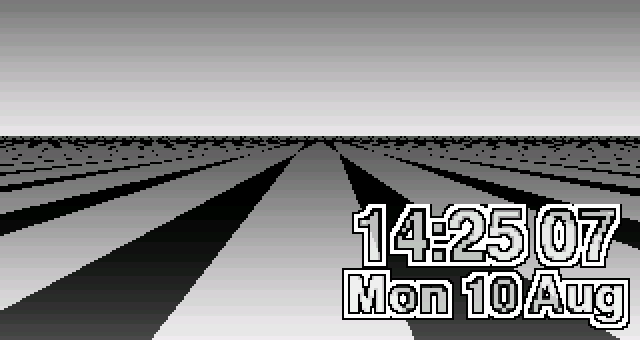
Chequered floor

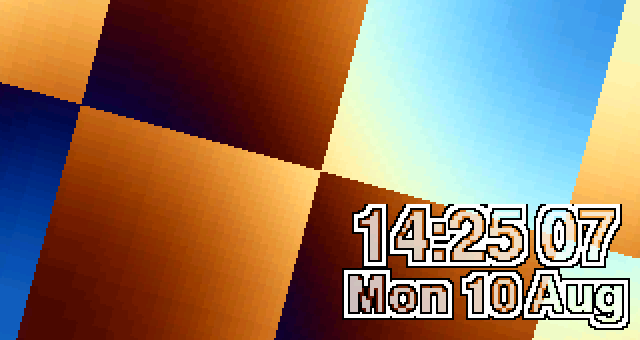
Chequered floor

Named for Mode 7, the 1990 Super Nintendo trick that tilted a flat image into a horizon — how Mario Kart faked 3D.

Your desk, your rules

Some people want a clock. Some people want the picture, with the time out of the way. Put it large in the middle, or shrink it into any corner.

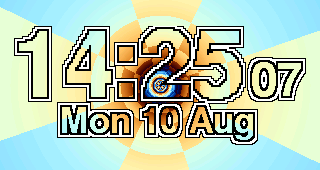
Time large in the centre
Large, centred
Time small in the top left
Top left
Time small in the top right
Top right
Time small in the bottom right
Bottom right
Headlines scrolling above a corner clock
With headlines on

The clock part

It sets itself

Join it to your Wi-Fi once, from your phone. It takes the time from the internet and keeps it. No buttons to hold at midnight, no drift.

It gets out of your way at night

Choose quiet hours and it dims, or turns the screen off entirely, then comes back in the morning. Daytime brightness is adjustable too.

It changes on its own

Leave it to rotate through the effects at whatever interval you like, or hold it on the one you love.

It updates itself

New effects arrive over the internet. The clock fetches them, checks them and installs them — only when you ask it to. It carries no serial number or identifier, asks for nothing but a file, and the request is not logged.

Headlines, if you want them

A line of news scrolls across the part of the screen the clock leaves free. It checks every few minutes, sends nothing about you, and nothing is recorded. Switch it off and the clock contacts nothing at all.

Readable over anything

The numerals are filled and outlined so they stay legible over even the busiest effect, without hiding the picture behind a box.

An alarm, if you want one

Set it per weekday from the same page. The outline flashes, so it works whether or not the buzzer is fitted.

What it is

Screen1.9″ or 1.47″ colour IPS, 320×170 pixels
BrainESP32-S3 or ESP32-C6 — a microcontroller, not a computer. No operating system.
Frame rate29–65 frames per second depending on the effect, all computed live
PowerUSB-C, about the draw of a night light
Network2.4 GHz Wi-Fi, for the time and for updates. Works as a clock without it once set.
SetupThe clock raises its own Wi-Fi network and serves a page. No app, no account.

Every screenshot on this page was read out of a clock’s framebuffer, at the panel’s real resolution, and is shown at twice size with its pixels intact. Nothing has been retouched or rendered elsewhere.

What it sends

Two things reach the internet, both of them plain requests for a file, neither carrying anything about you or the clock.

HeadlinesEvery few minutes while the news ticker is on. Switch the ticker off and this stops entirely.
UpdatesOnly when you tap Check for updates. Never on its own.
The timeFrom public time servers, a few times a day.

There is no account, no app and no identifier. The server keeps no log of these requests. Nothing about what you do with the clock leaves it, because the clock does not know anything about you to begin with.